
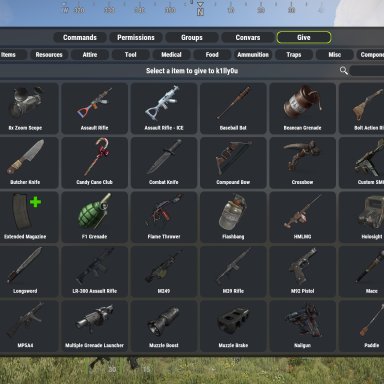

Normal UI
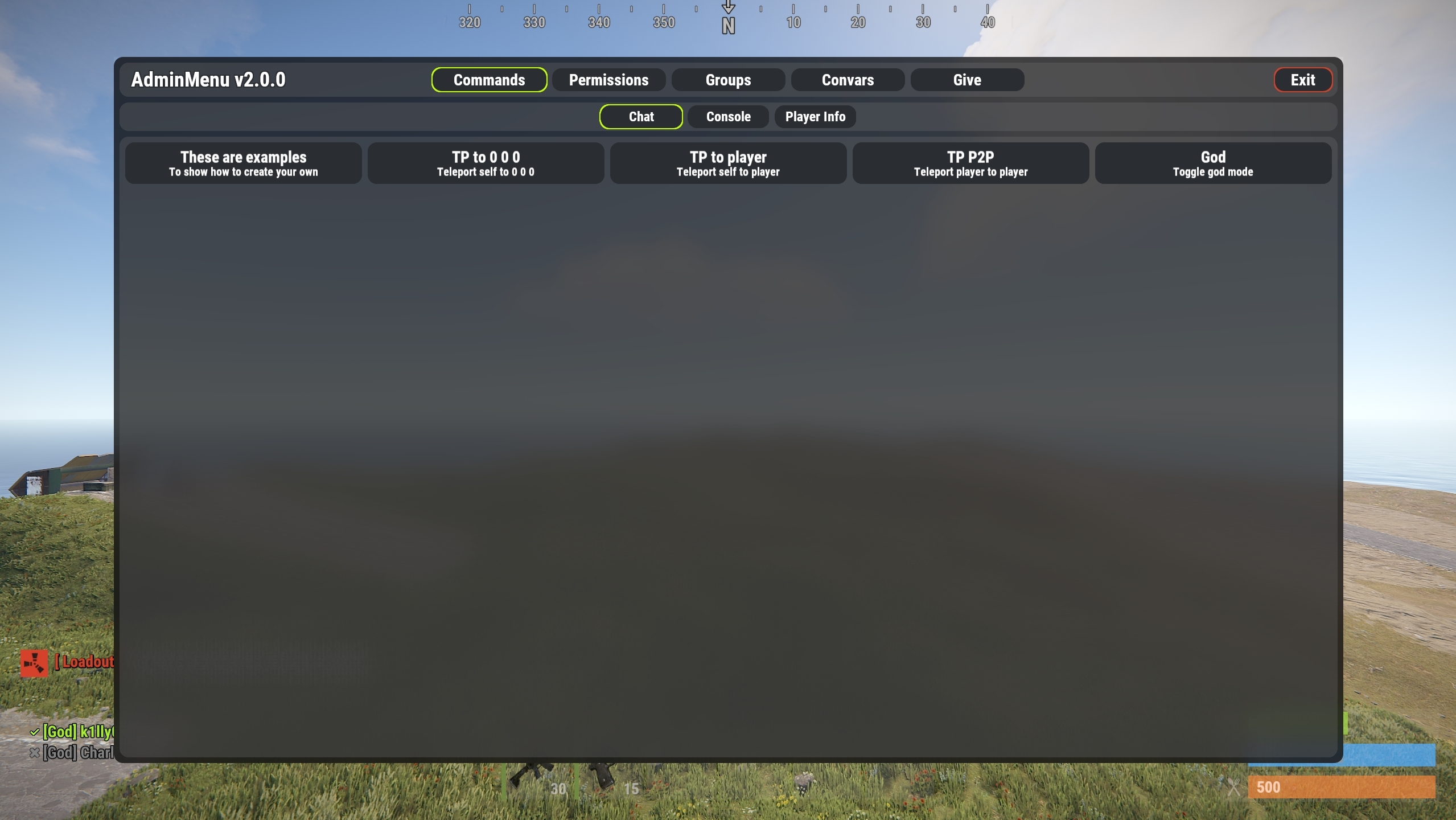
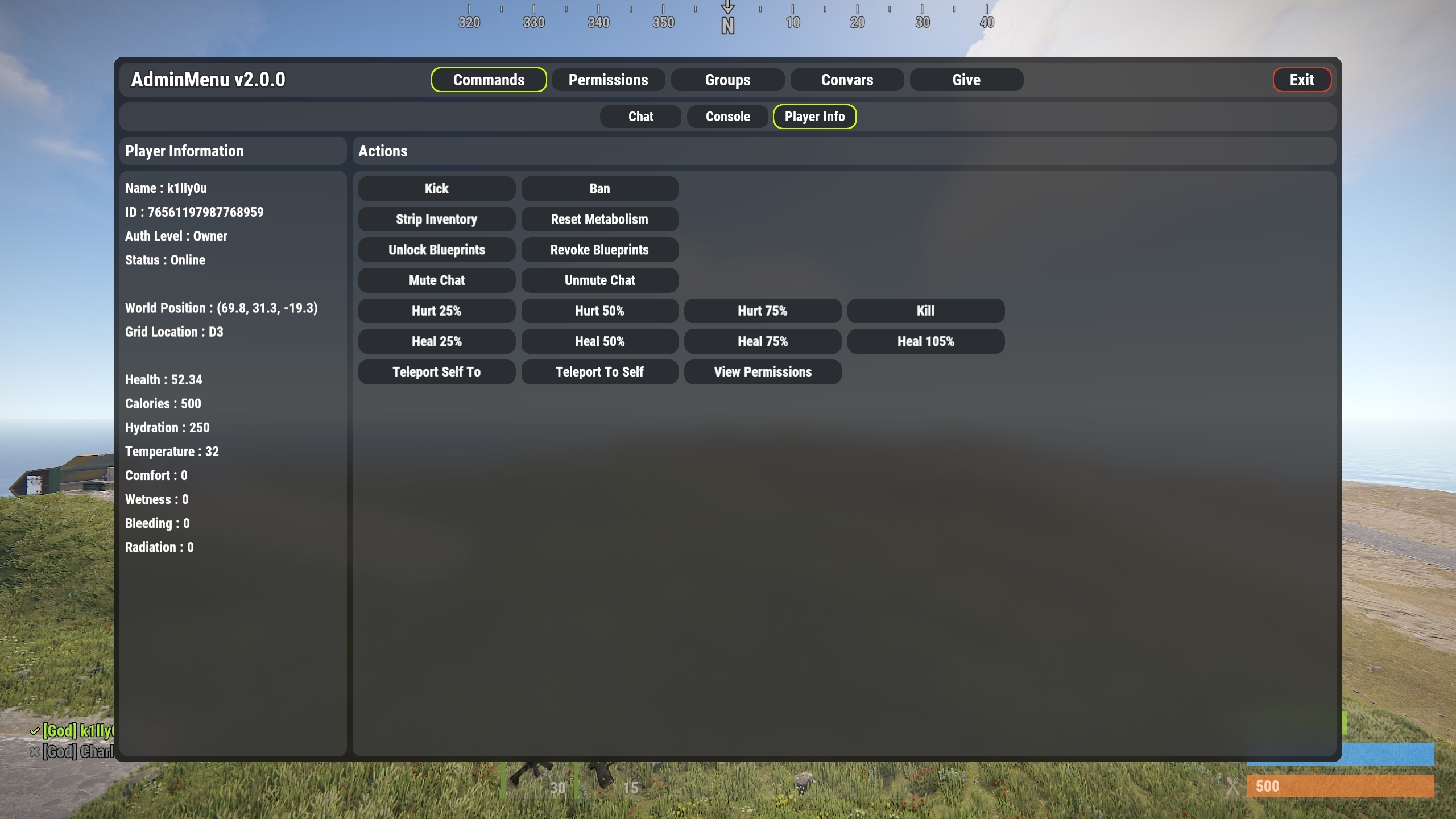
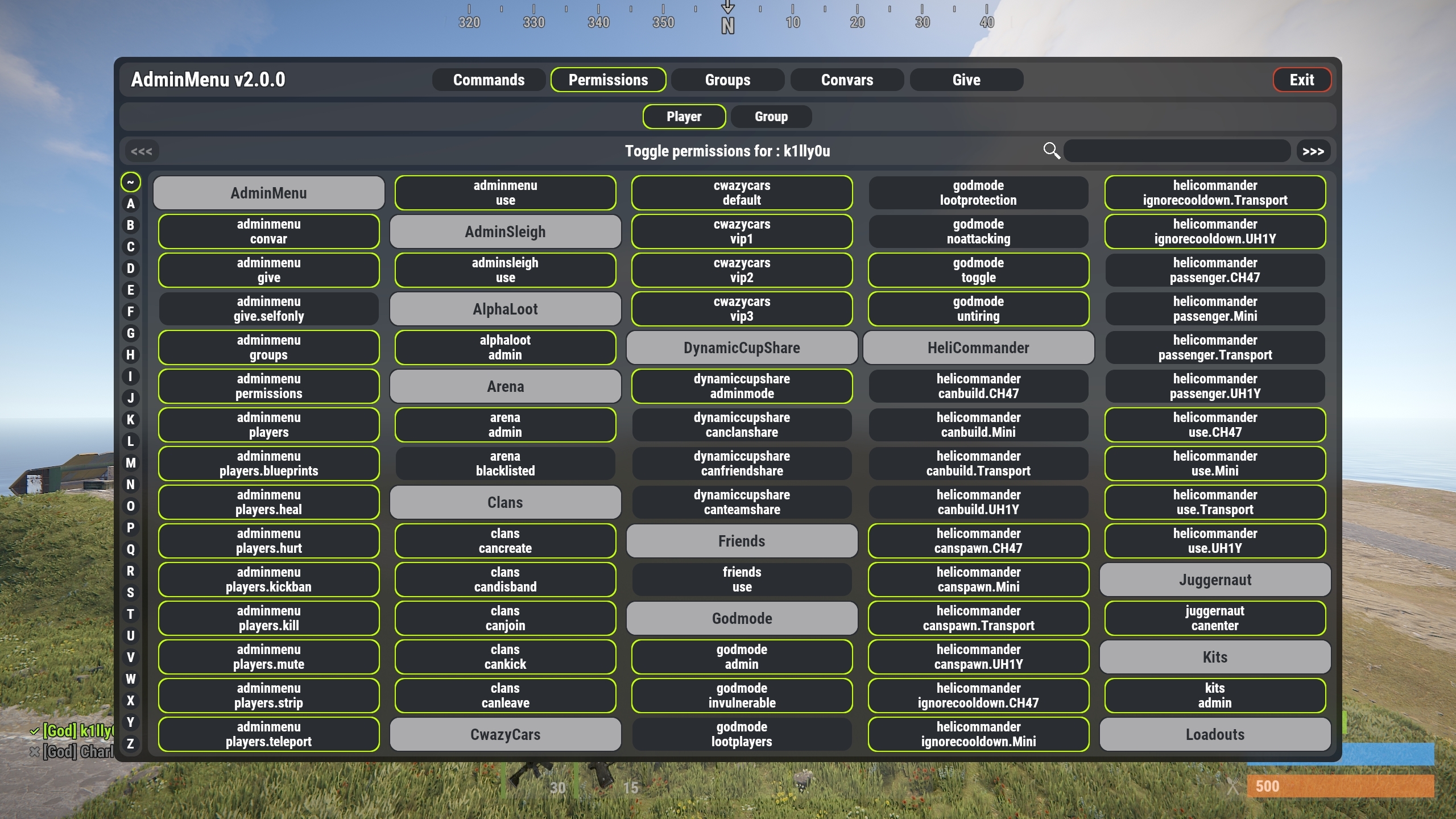
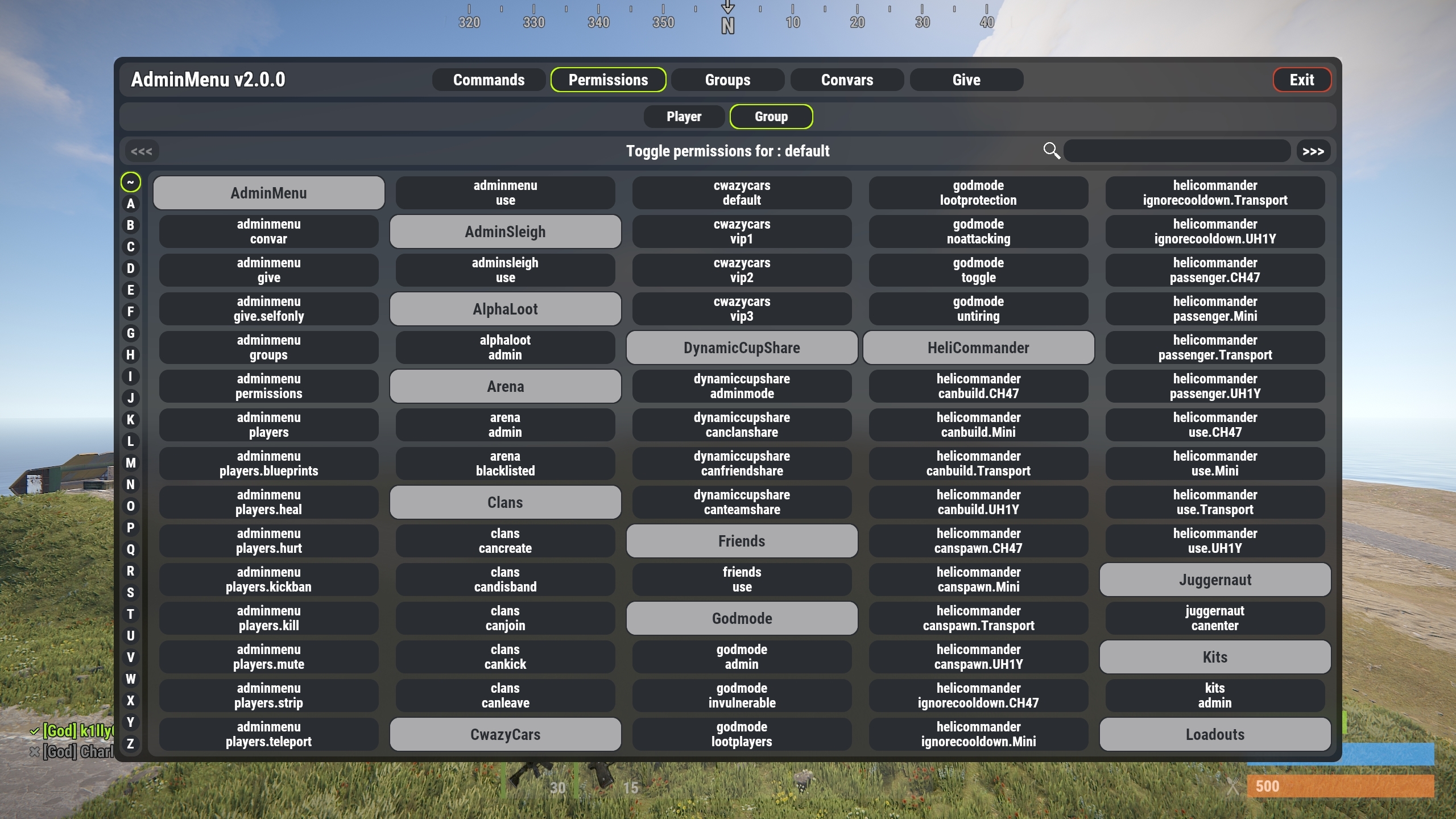
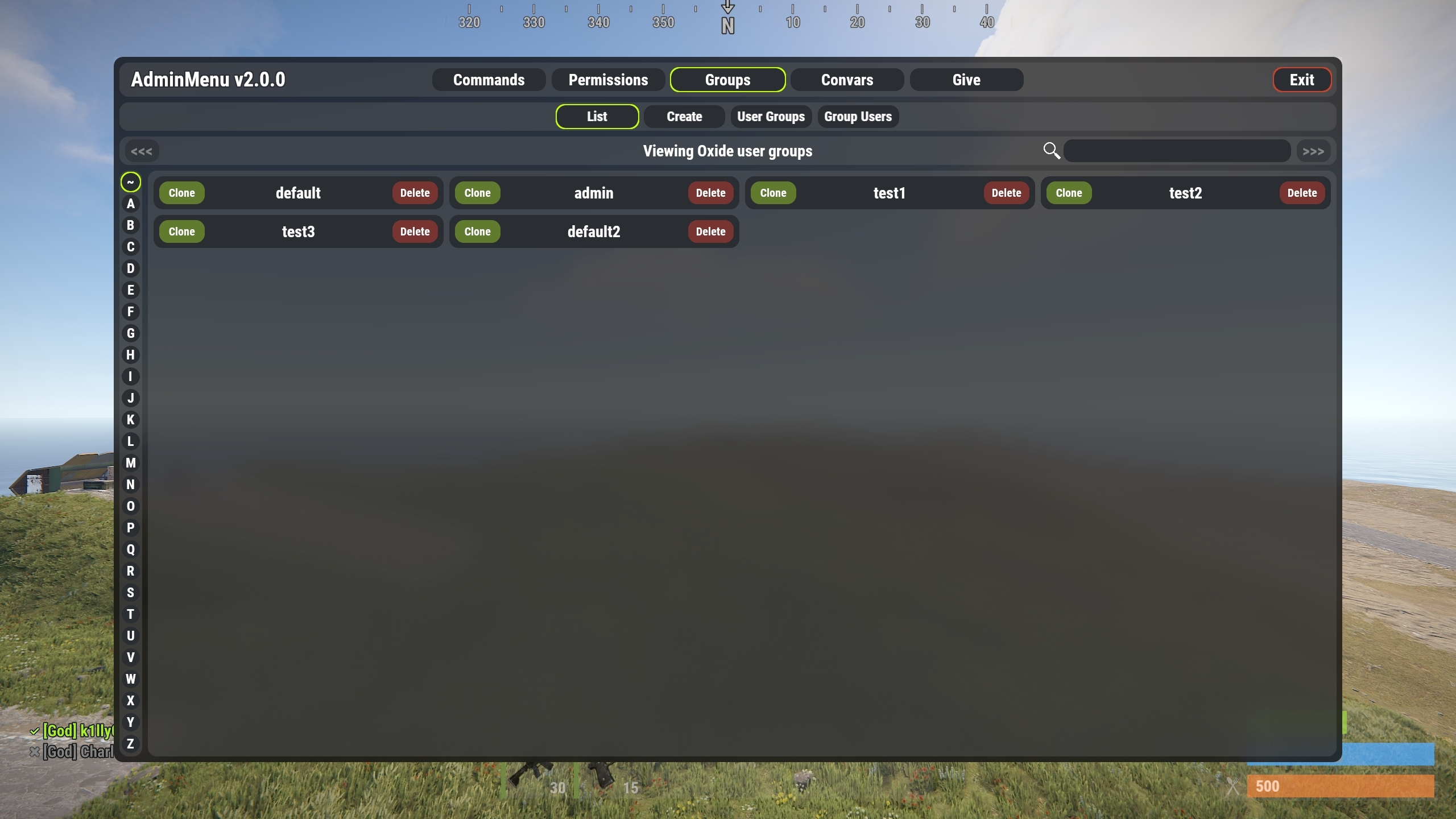
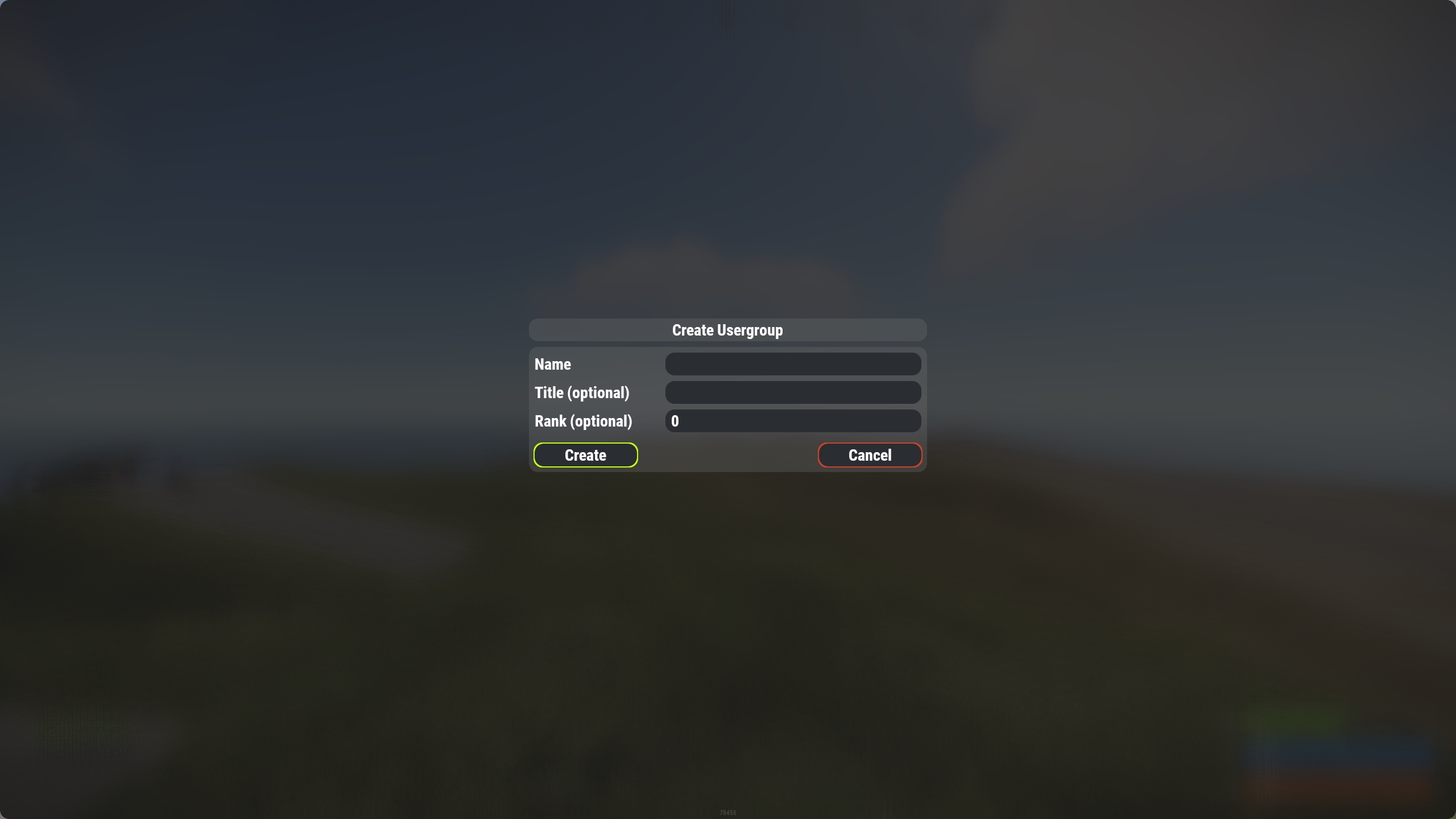
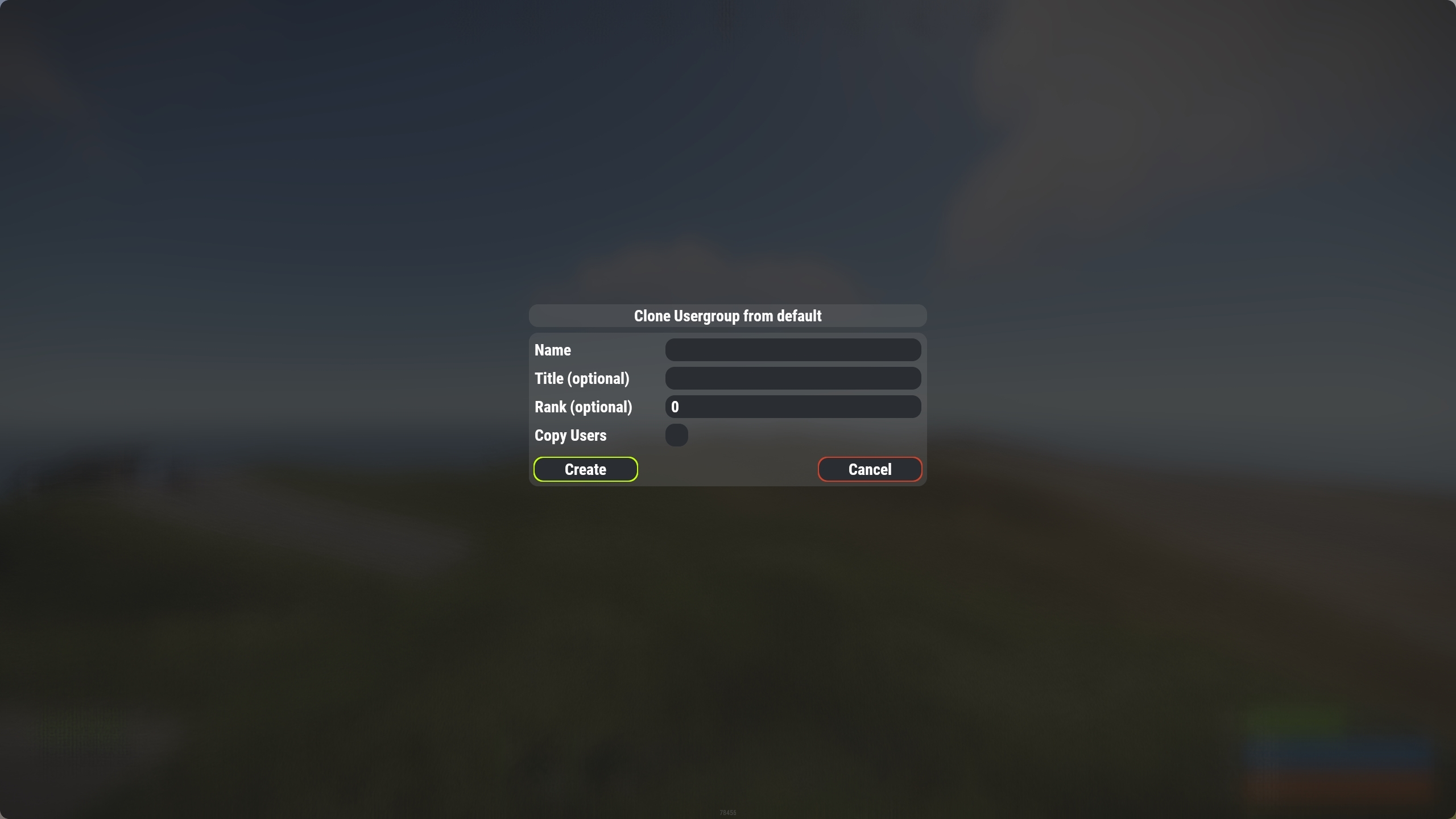
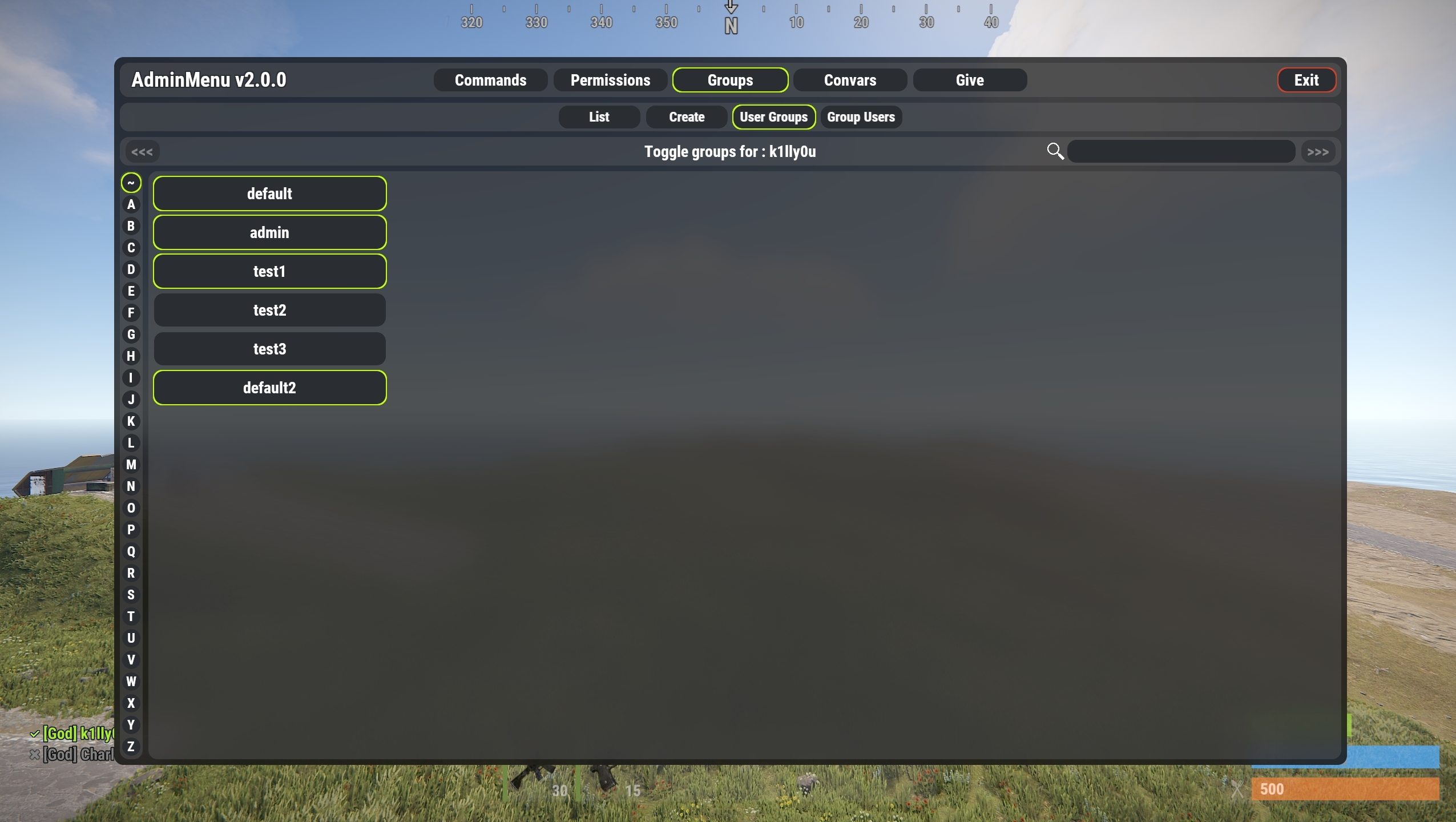
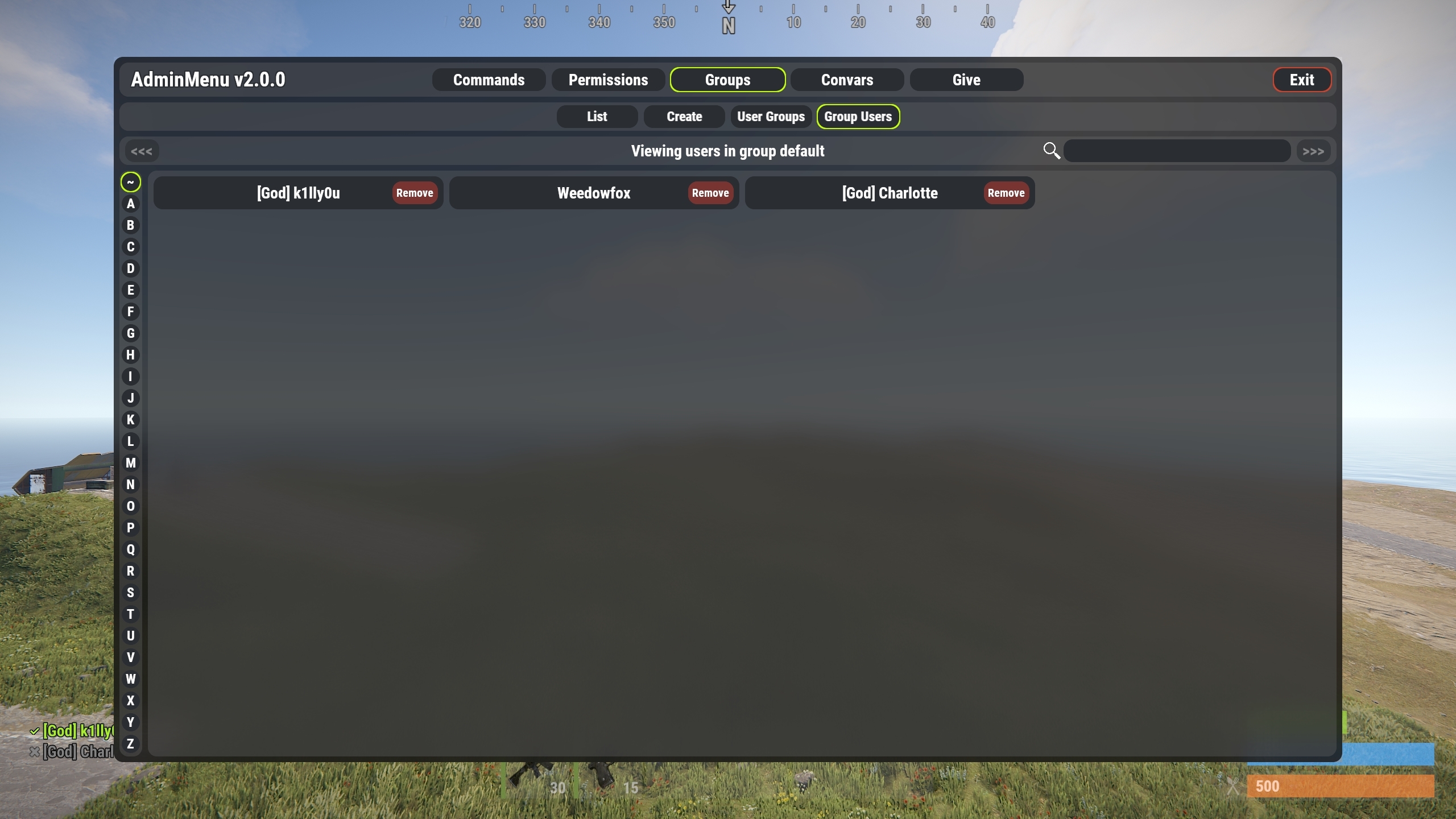
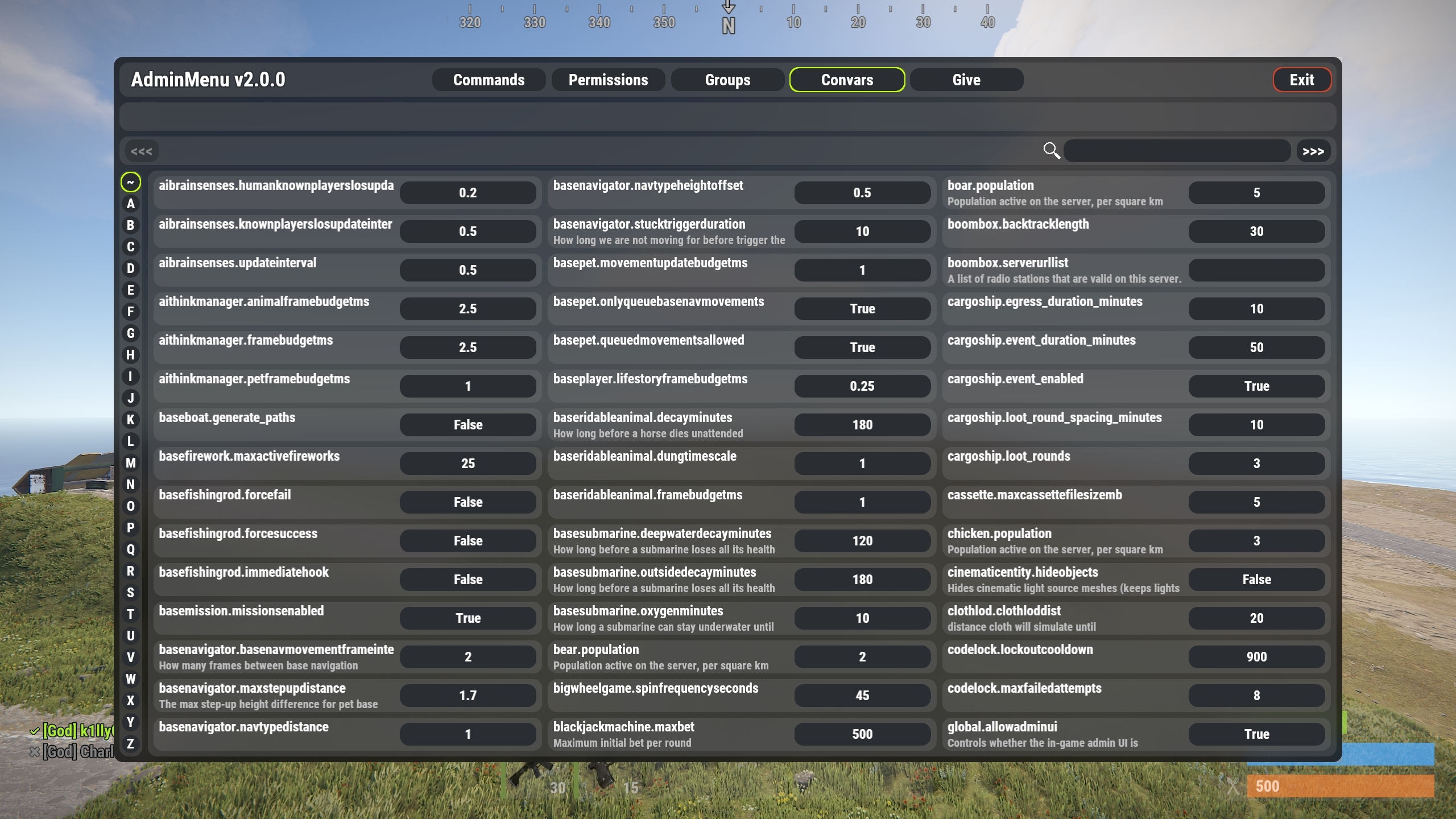
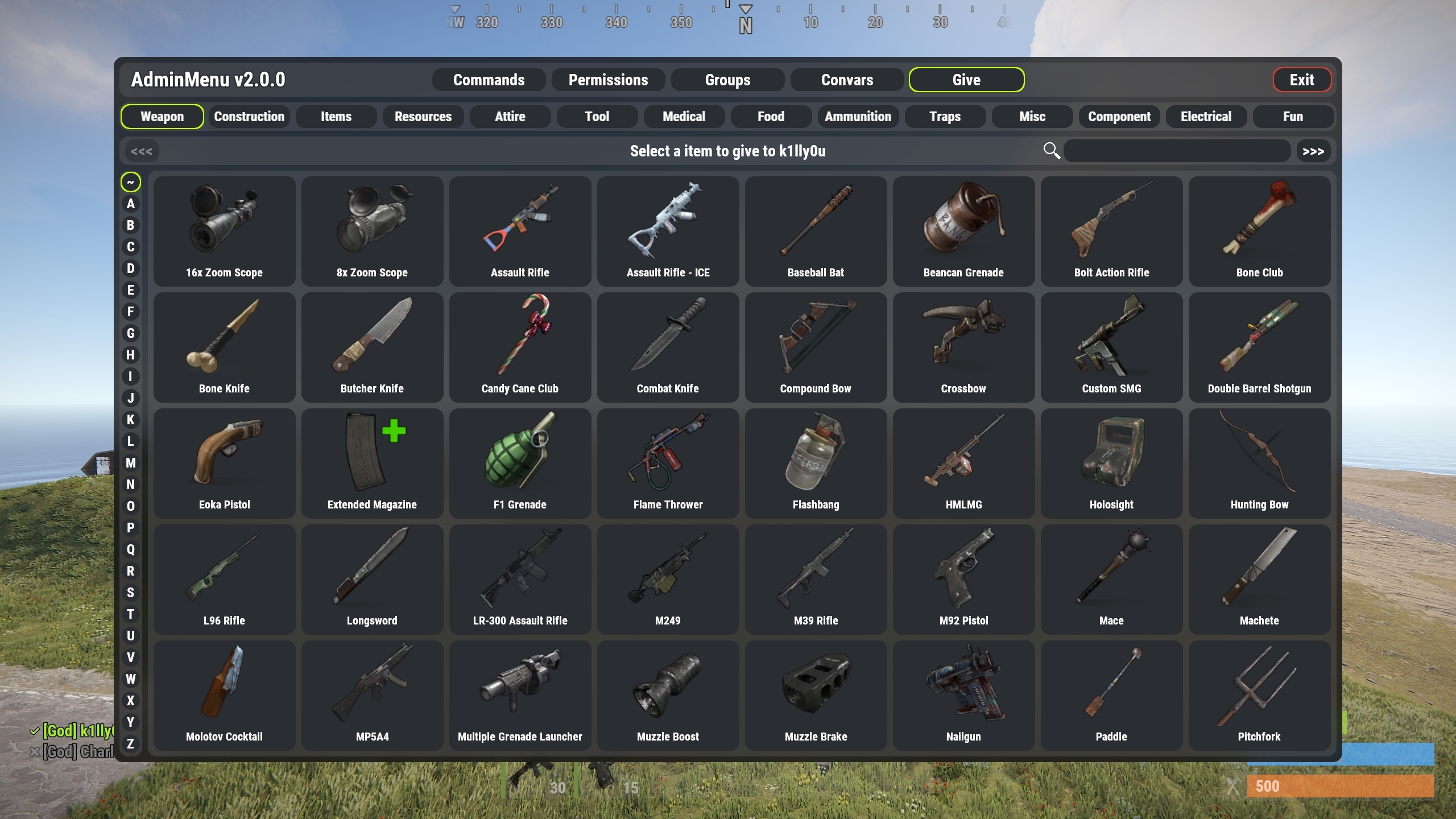
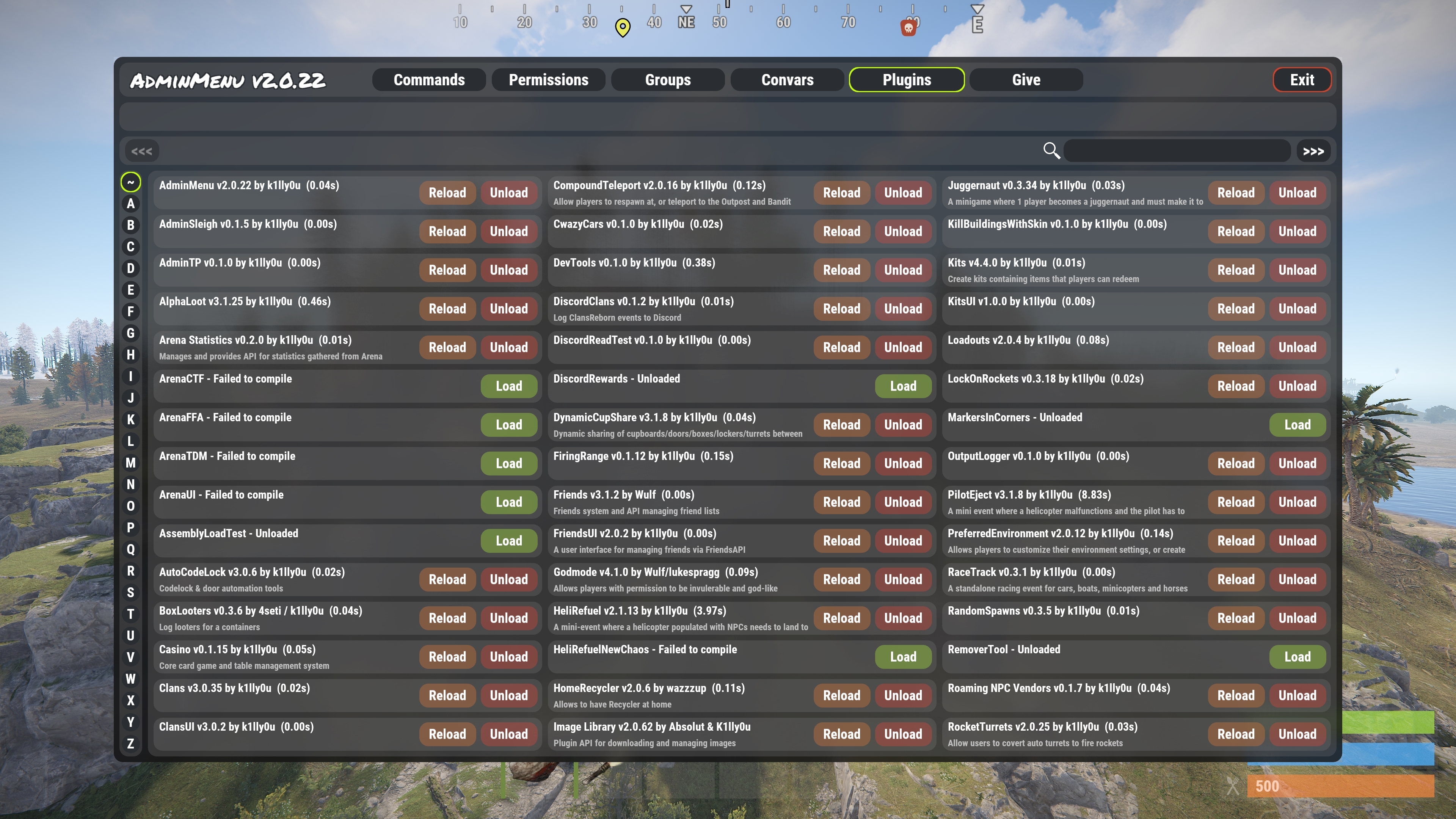
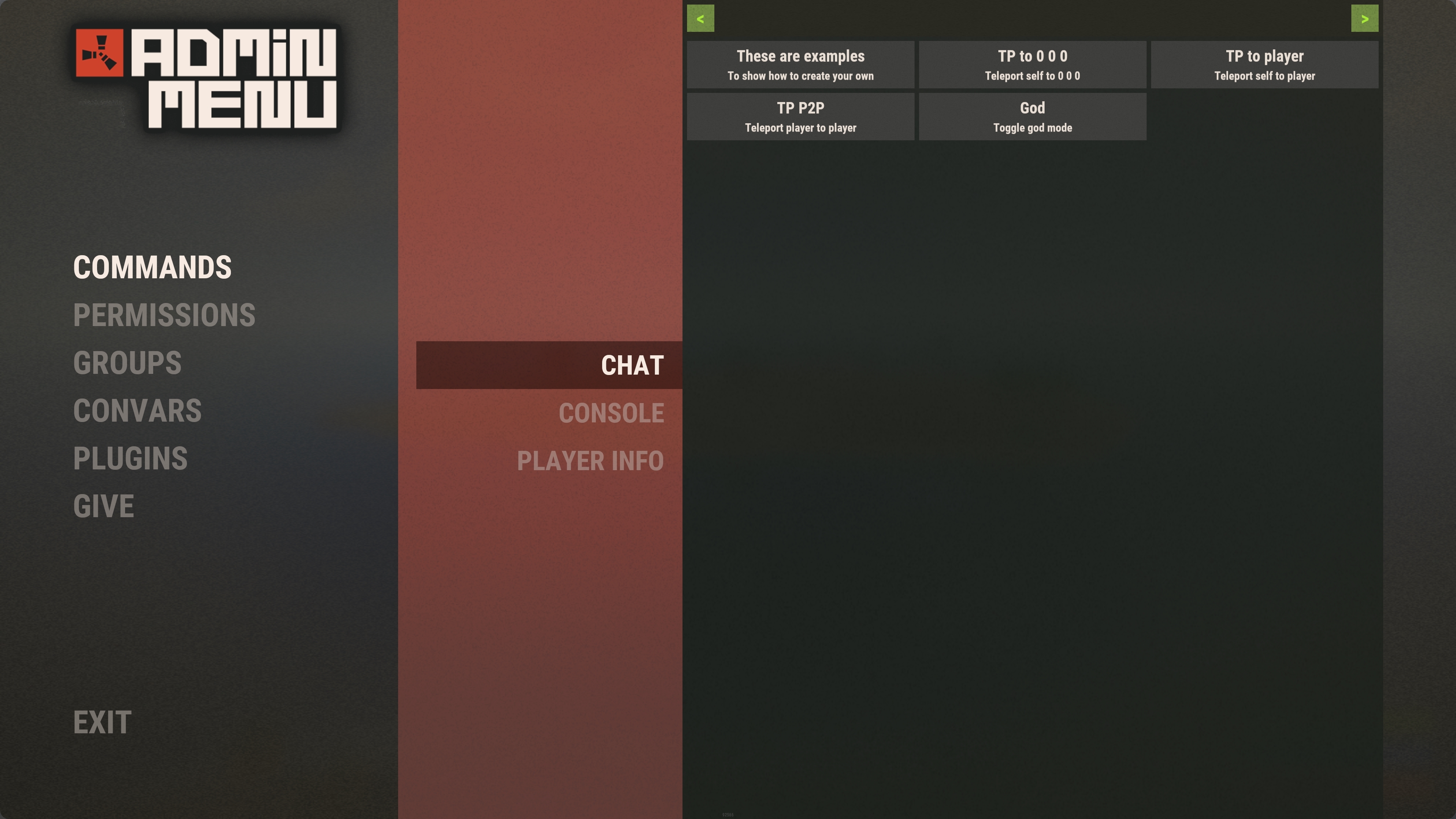
Rust styled UI (can be enabled in the config with the "Use alternate UI style" option)
Features
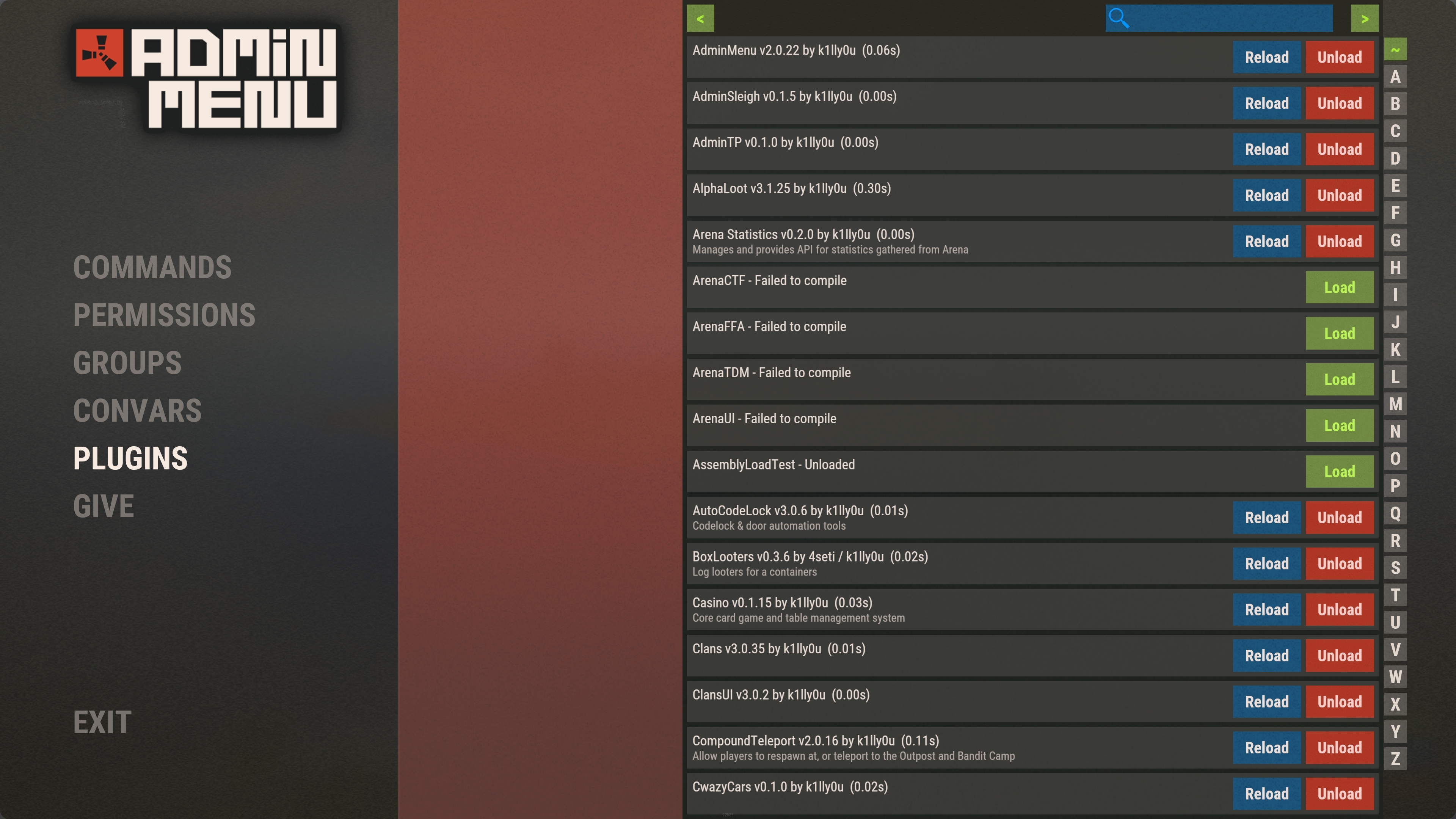
Admin menu is a ingame UI based menu that can be used for;
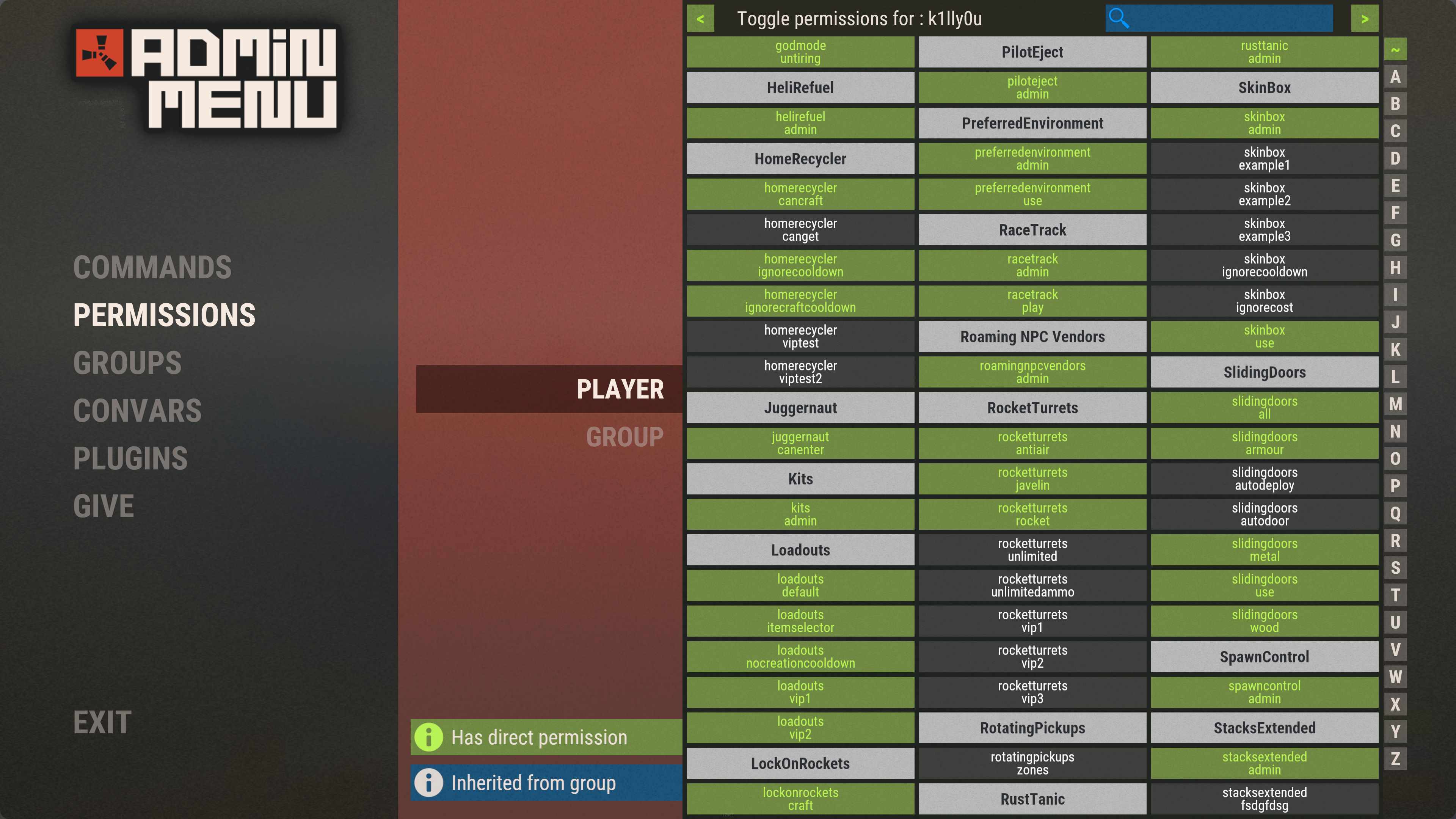
- Managing permissions for both groups and individual players
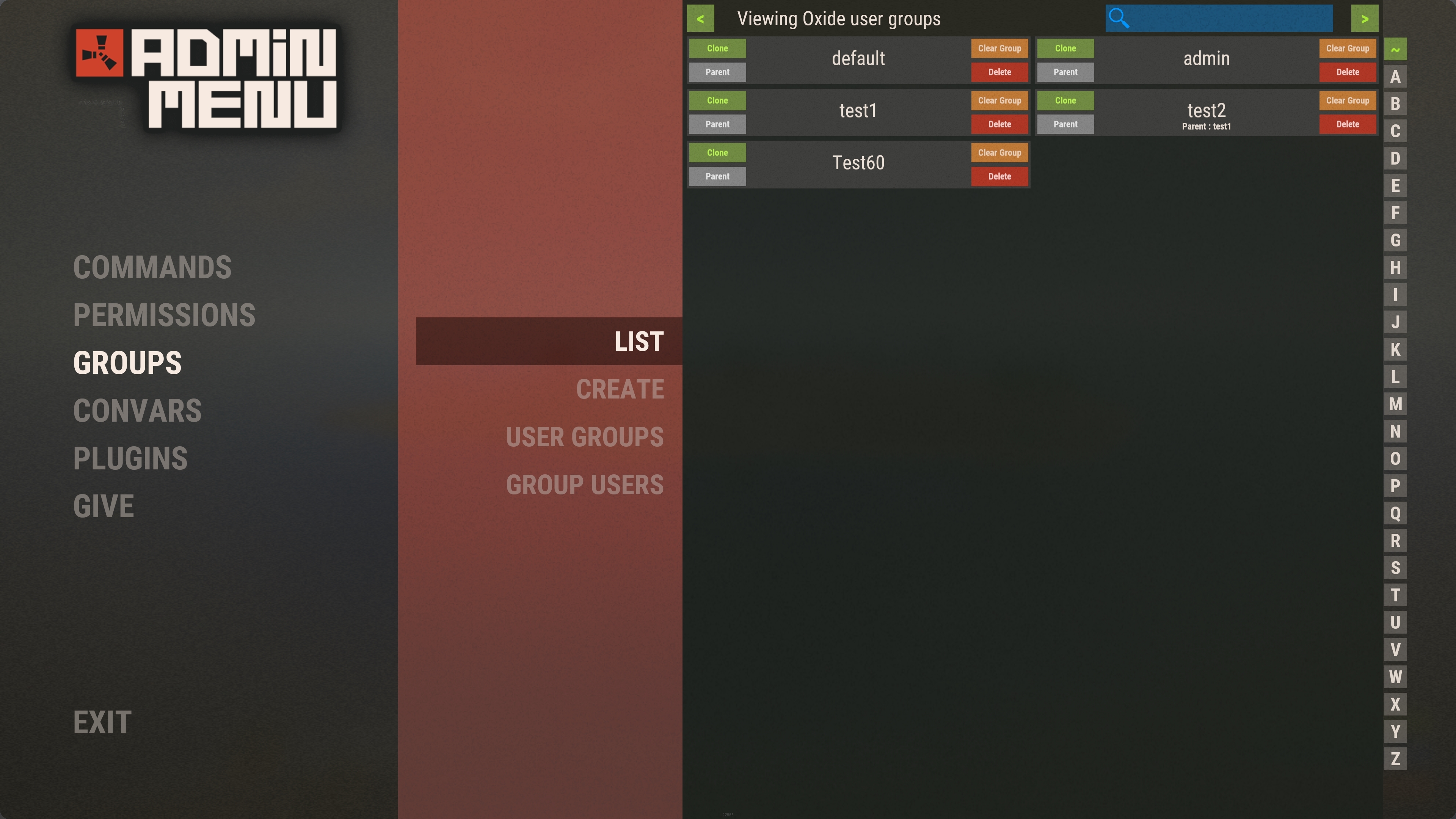
- Creating and removing Oxide usergroups
- Clone Oxide usergroups while maintaining its permissions, and optionally clone group members
- View users in usergroups
- Add/remove users from usergroups
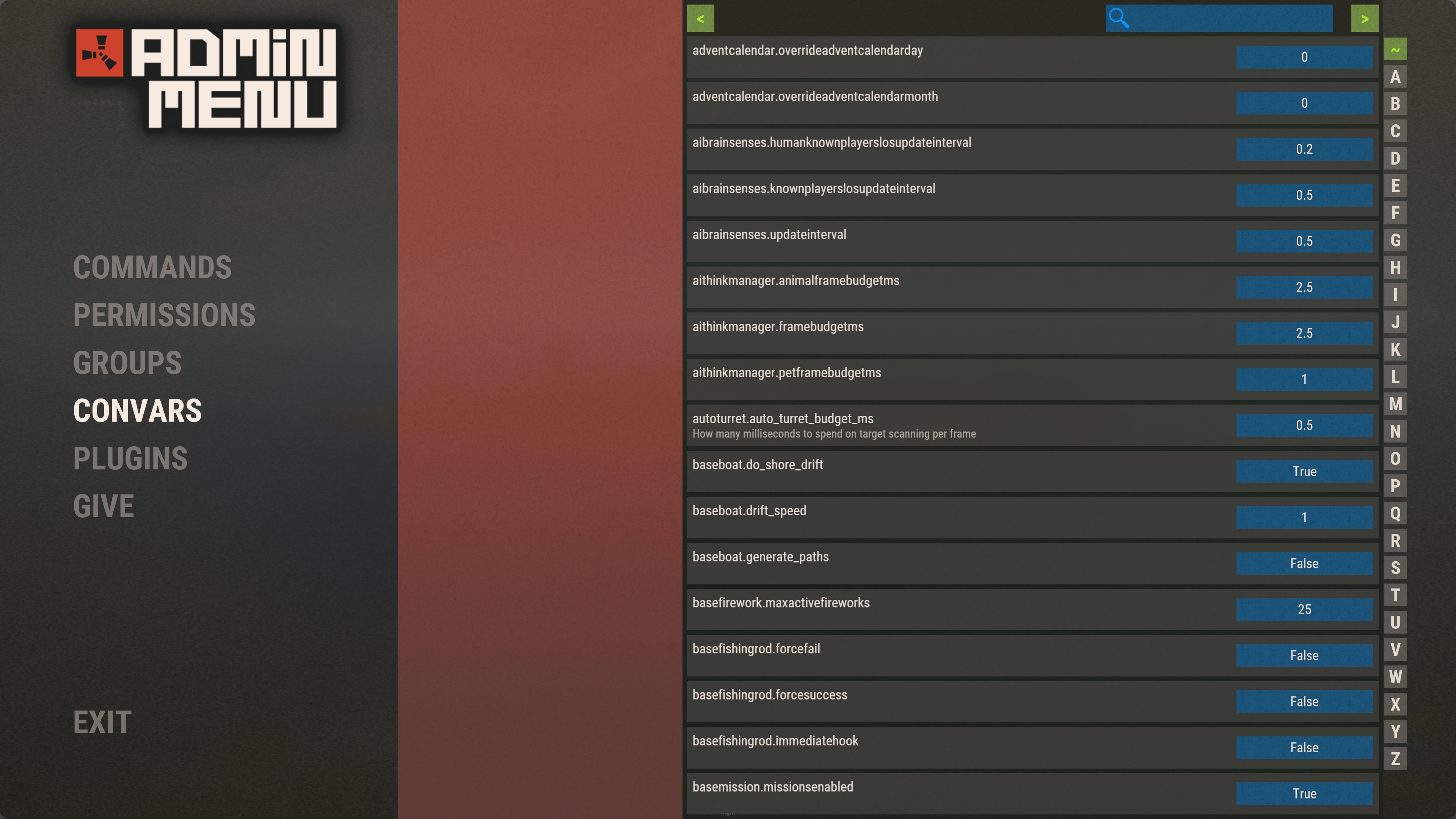
- Edit server ConVars
- Easily run chat or console command by the click of a button
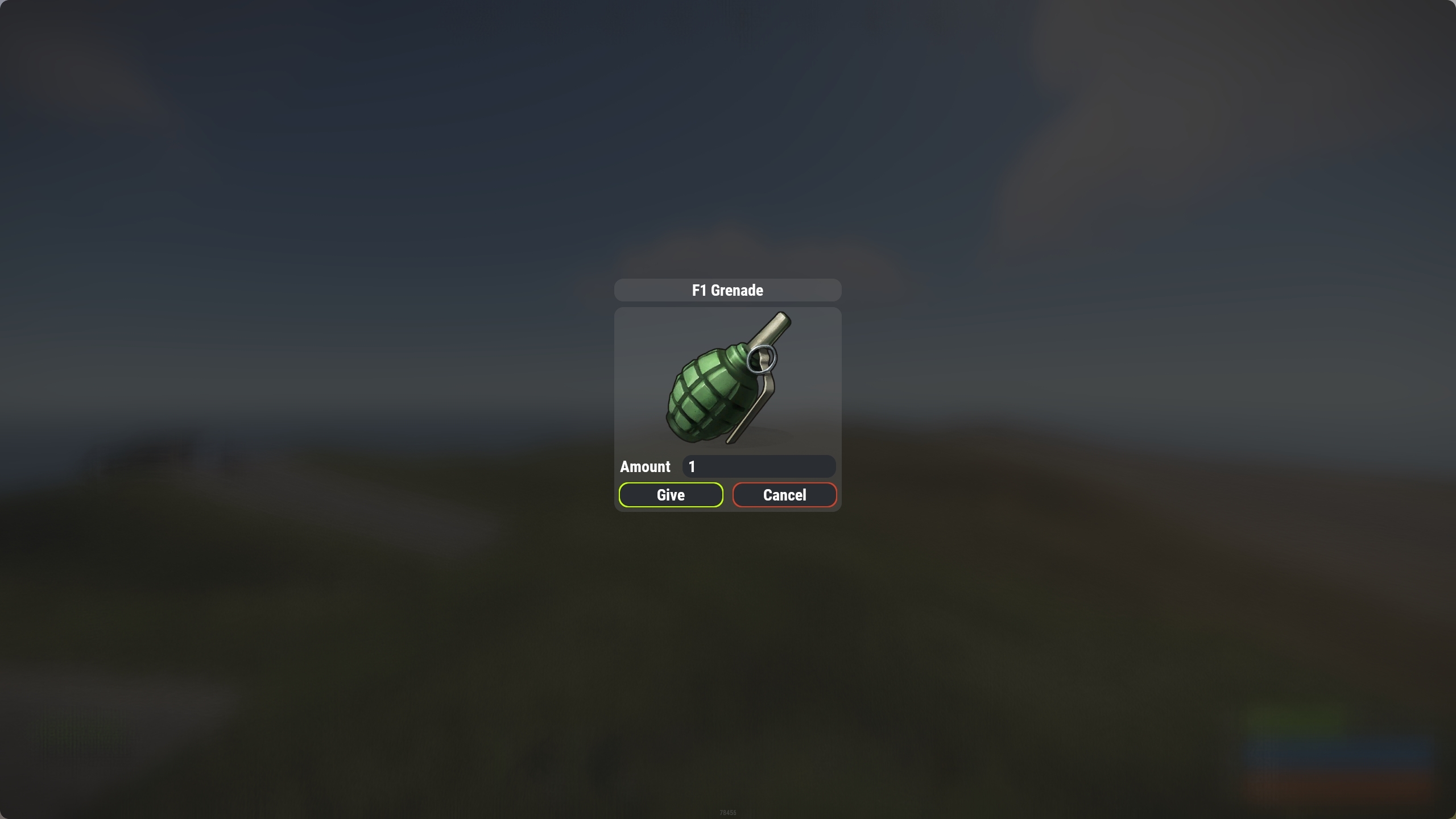
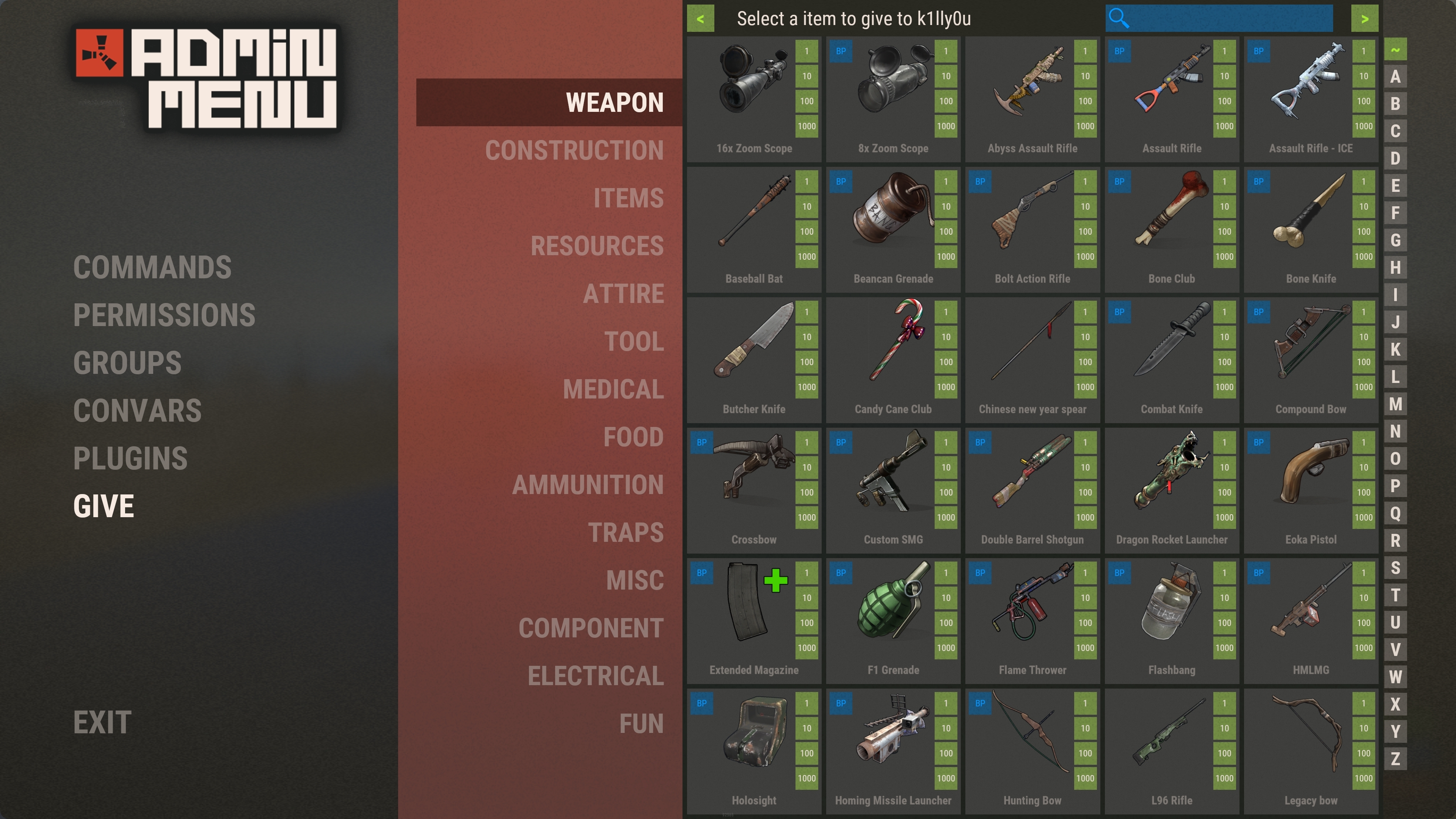
- Giving items to players
- All permission based so you can give limited power to your admins
- Search bars and character filters are provided on almost every page for quick access
- Option to log all actions performed to a Discord webhook
Chat Command
/admin - Opens the menu. (Requires permission adminmenu.use)
Permissions
AdminMenu uses Oxides permission system
To assign a user permission use oxide.grant user "username|steam id" "permission" in console.
To assign a group permission use oxide.grant group "groupname" "permission" in console.
You can read more about how to use the permission system here : uMod - Permissions
adminmenu.use - Required to open the menu and access the commands section
adminmenu.permissions - Required to access the permission section
adminmenu.groups - Required to access the groups section
adminmenu.give - Required to access the Give menu
adminmenu.convars - Required to access the Convar menu
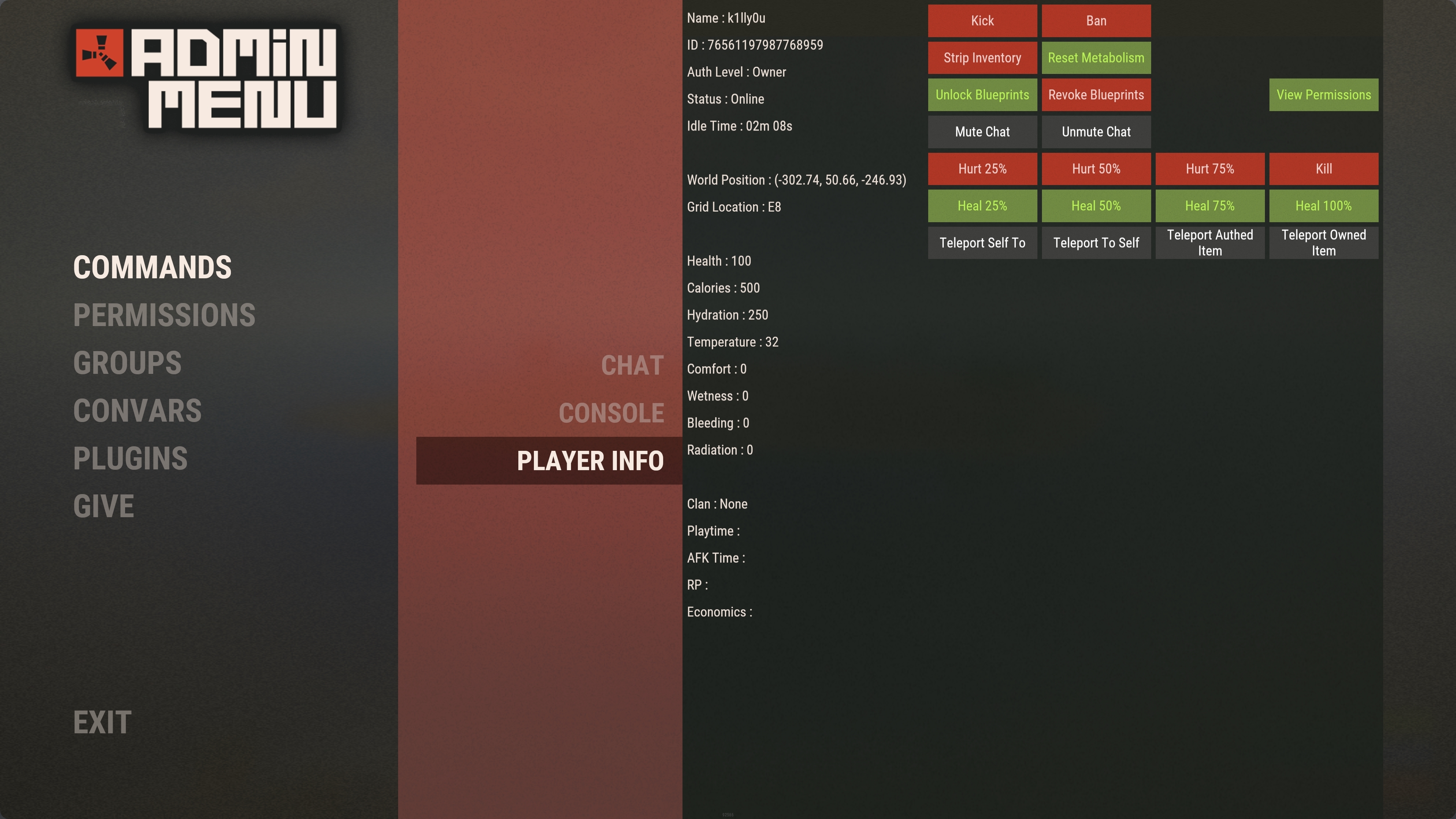
adminmenu.players - Required to access the Player Info menu
adminmenu.give.selfonly - Used to restrict the give menu to only allow users to give items to themselves
Commands Menu
(Requires permission adminmenu.use)
The commands menu is used to easily run plugin or server commands.
You can set up chat and console commands that can be run via the menu.
These commands are run as if the user is typing it themselves so any commands will need the relevant permission/authlevel to be run.
** NOTE ** The commands provided in the default config are only an example of how to set them up. It is up to you to customize this to suit your own needs


